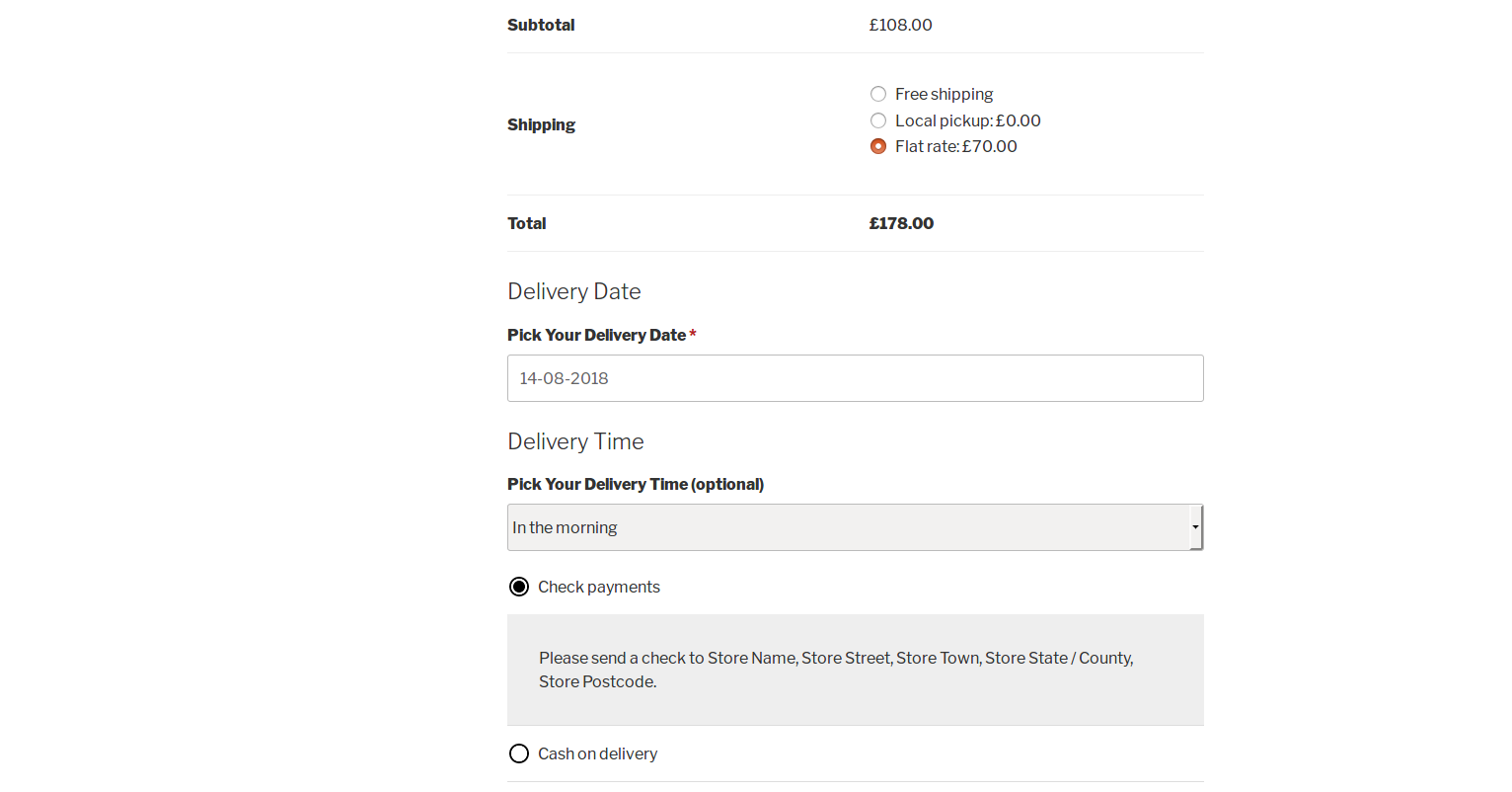
I need to make a selection of the time and date of delivery of the products, after choosing the method of delivery and place these fields in woocommerce_after_shipping_rate.
As I see it. The customer chooses the delivery method, for example, "Courier".
After that, two checkboxes appear:
-
ASAP
-
Delivery Date.
If the customer chooses "Delivery Date", a new field appears with the date and time of delivery. That's about how here
Based on "Enable Datepicker in a WooCommerce Checkout custom text field" answer code, I made additional fields for the date and time of delivery, "ASAP" and "Delivery Date". I downloaded DateTimePicker from here.
Here is my code:
// Register main datetimepicker jQuery plugin script
add_action( 'wp_enqueue_scripts', 'enabling_date_time_picker' );
function enabling_date_time_picker() {

// Only on front-end and checkout page
if( is_admin() || ! is_checkout() ) return;

// Load the datetimepicker jQuery-ui plugin script
    wp_enqueue_style( 'datetimepicker', get_stylesheet_directory_uri() . '/assets/css/jquery.datetimepicker.min.css', array());
    wp_enqueue_script('datetimepicker', get_stylesheet_directory_uri() . '/js/jquery.datetimepicker.full.min.js', array());

}

// Call datetimepicker functionality in your custom text field
add_action('woocommerce_before_order_notes', 'my_custom_checkout_field', 10, 1);

function my_custom_checkout_field( $checkout ) {

date_default_timezone_set('Europe');
$mydateoptions = array('' => __('', 'woocommerce' ));

echo '<div id="my_custom_checkout_field">
<h3>'.__('Delivery Info').'</h3>';

echo '
<script>

    jQuery(function($){
        $("#datetimepicker").datetimepicker({format:\'d.m.Y H:i\', allowTimes:[
        \'11:00\', \'11:30\', \'12:00\', \'12:30\', \'13:00\', \'13:30\', \'14:00\', \'14:30\',
        \'15:00\', \'15:30\', \'16:00\', \'16:30\', \'17:00\', \'17:30\', \'18:00\', \'18:30\',
        \'19:00\', \'19:30\', \'20:00\', \'20:30\', \'21:00\', \'21:30\', \'22:00\', \'22:30\']
        });
    });
</script>';

// Checkbox ASAP
woocommerce_form_field( 'order_delivery_asap', array(
'type'          => 'checkbox',
'class'         => array('my-field-class form-row-wide'),
'label'         => __('As Soon As Possible'),
'checked'       => '',
'default'       => 0,
), $checkout->get_value( 'order_delivery_asap' ));


// Checkbox Delivery Date
woocommerce_form_field( 'order_delivery_date', array(
'type'          => 'checkbox',
'class'         => array('my-field-class form-row-wide'),
'label'         => __('Delivery Date'),
'checked'       => '',
'default'       => 0,
), $checkout->get_value( 'order_delivery_date' ));

// DateTimePicker
woocommerce_form_field( 'order_pickup_date', array(
    'type'          => 'text',
    'class'         => array('my-field-class form-row-wide'),
    'id'            => 'datetimepicker',
    'required'      => false,
    'label'         => __('Select date'),
    'placeholder'   => __(''),
    'options'       => $mydateoptions
    ),$checkout->get_value( 'order_pickup_date' ));

echo '</div>';
}
As I understand it, I need to include conditional logic here so that when selecting the "Delivery Date" checkbox, a field with a DateTimePicker appears. And so that the selected values of the ASAP checkbox and DateTimePicker are saved.
Unfortunately, I do not know how to do all this correctly. I will be glad for your help!
from Choosing a date and time after choosing the WooCommerce delivery method

No comments:
Post a Comment